

How to Turn Job Site Photos Into Social Media Videos Quickly
You’ve just finished a job. The work looks great. You…

The best free logo maker depends on how much control you want. Design.com is fastest, Looka is strong for AI-guided ideas, Canva gives you the most hands-on flexibility, and BrandCrowd stands out when you want more targeted logo directions fast. From a website perspective, the real test is whether your logo still works as a favicon, in search results, and across light and dark mode.
No design skills? No problem. These tools help you build a logo for your new Website in minutes.
A strong logo is one of the most important parts of your brand it sets the tone, builds recognition, and helps your business look professional from day one. But if you don’t have the budget for a custom design yet, there are some powerful (and surprisingly stylish) tools that can help you create a logo in minutes.
Whether you’re just starting out, testing a side project, or refreshing your brand, here are four AI Assisted free logo makers worth checking out:
| Tool | Best For | Customisation | Ease of Use |
|---|---|---|---|
| 🡳 BrandCrowd | Keyword-matched logo ideas with AI Chat Refinements | ⭐⭐⭐⭐⭐ | ⭐⭐⭐⭐⭐ |
| 🡳 Canva | Creative control, easy workflow for social creatives. | ⭐⭐⭐⭐ | ⭐⭐⭐⭐ |
| 🡳 Looka | Style-personalised AI | ⭐⭐⭐⭐ | ⭐⭐⭐⭐ |
| 🡳 Design.com | Fast, auto-generated logos | ⭐⭐⭐ | ⭐⭐⭐ |
BrandCrowd is a very interesting logo maker because it quietly does something most other tools don’t.
Instead of just asking for your business name and industry, BrandCrowd also lets you add comma-separated keywords. Things like:
Mountains, Road, Sunset
Those extra keywords dramatically change the results.
The keywords feature doesn’t seem to be heavily promoted inside the tool, but after testing it across a few industries I found this makes a huge difference to the relevance and direction of the generated designs. Instead of generic icons, you start getting logos that actually reflect the type of business you’re building and the logo you are actually imagining.
That alone makes it stand out from many AI logo tools that rely on a single input.
⚡ Best for: Business owners who want more targeted logo ideas without hiring a designer. Particularly useful for service businesses where the visual cues matter (tradies, cafes, consultants, local services).
You’ll usually get thousands of variations, which makes it easy to quickly test different brand directions before committing to final files. Once the results generate, you can filter by colour, style.
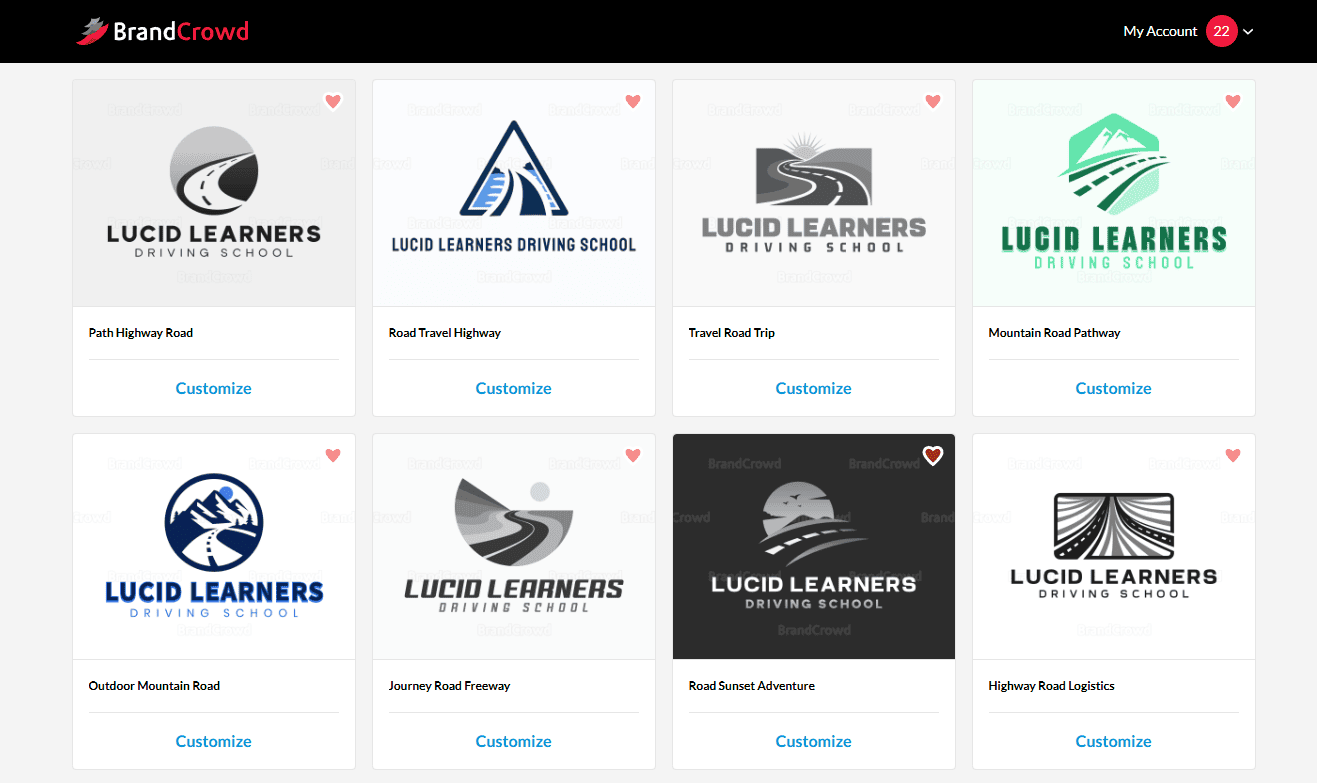
Here are some of our favourite picks trying brandcrowd for a new website we are creating for a new busienss called Lucid Learners – the owner wanted something with a winding road and mountains, no cars types or steering wheels – I think Brandcrowed understood the breif well.
Once you have one that is close, then you can adjust fonts, layout, colours and spacing inside the editor. There is even an animate option.
But the best is yet to come.
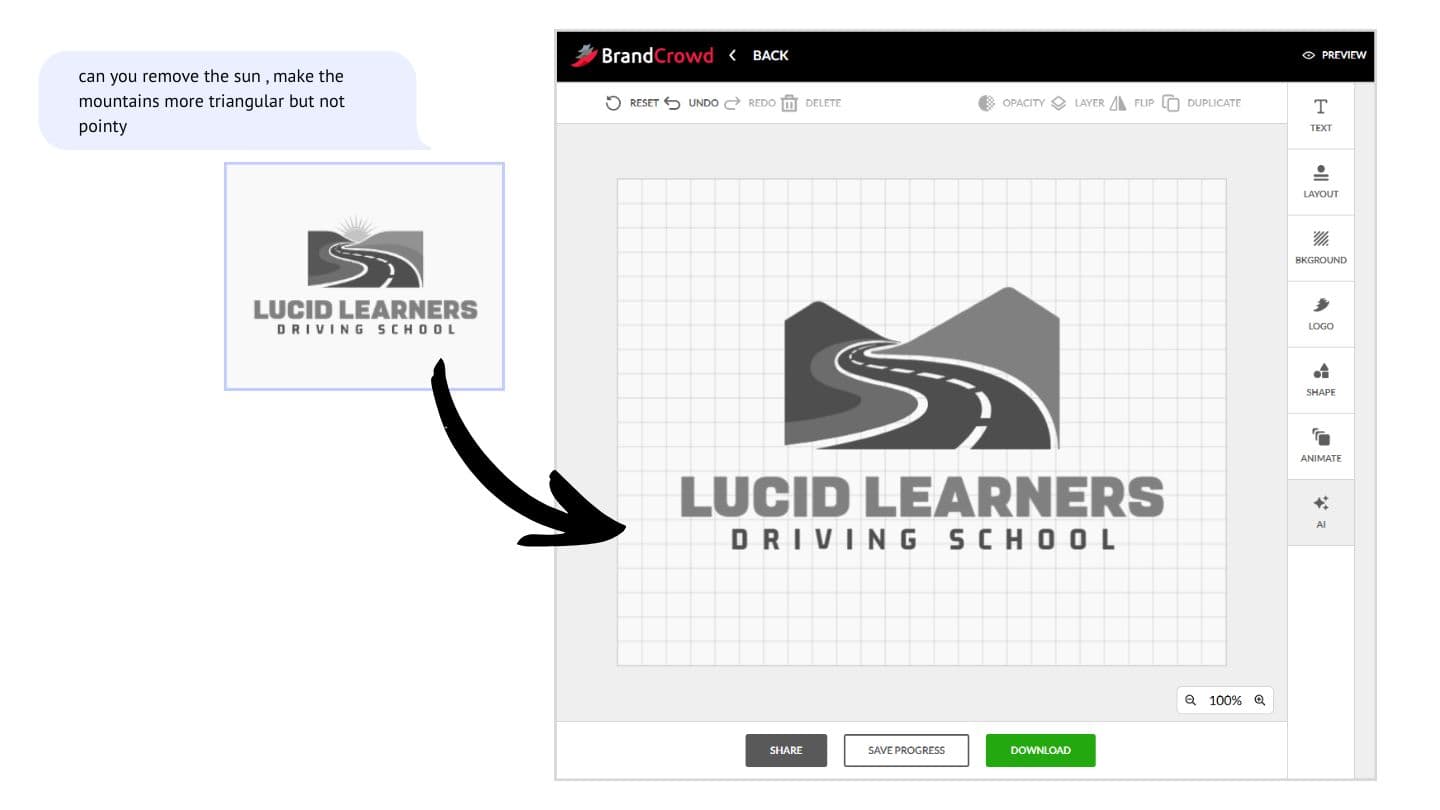
This tool gives you an AI Chat function where you can specifically say what you want changed.
We simply asked “can you remove the sun , make the mountains more triangular but not pointy“. And in less than 5mins, from start to end, we got 95% of the way to what the business owner was envisaging for his logo.
Features we like:
“Find the perfect Logo” – Generates logo design automatically based on the style, colour, and industry you select. The platform provides a variety of pre-generated logos that can be customised quickly, offering a hassle-free way to create a professional-looking logo for your business or project.
⚡ Best for: Quick and hassle-free logos with style variety. Great if you want something polished and ready-to-go in under 10 minutes.
Design.com’s logo maker generates options based on your selected industry, colours, and vibe. It’s fast, beginner-friendly, and gives you a wide range of clean, modern templates to tweak.
Features we like
Looka provides an easy-to-use logo generator that combines AI technology with your design preferences to create a logo instantly. After selecting your preferred styles, colours, and symbols, Looka generates multiple logo options, and you can further customise your selection. It’s perfect for users looking for a quick, yet professional logo design solution.
⚡ Best for: AI-powered logos tailored to your preferences. Perfect for startups or business owners who want something fast but still unique.
Looka uses artificial intelligence to suggest logos that reflect your style. You pick a few visual directions (modern, minimalist, playful etc.), colours, and icons then Looka builds dozens of on-brand logo concepts.
Features we like:
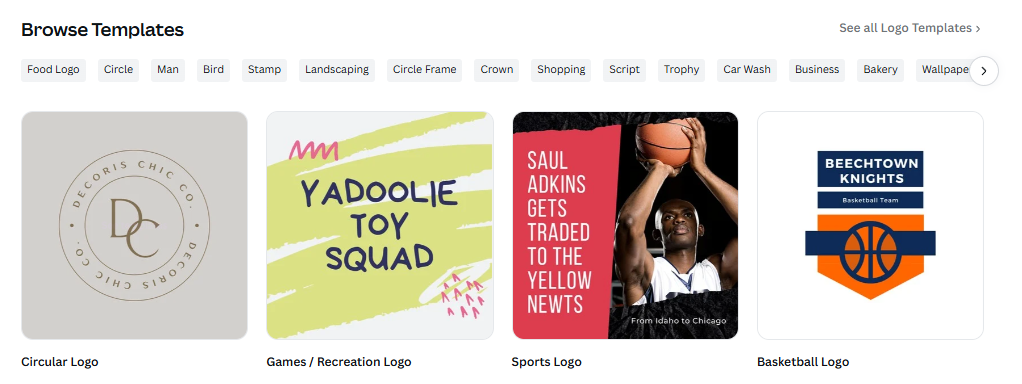
Canva is ideal if you want to start with a logo template and fine-tune every detail — fonts, colours, spacing, icon placement, even animations. It’s great for DIY branding or experimenting with different versions of your logo.
Start with a template and customise it to create your own logo easily using Canva’s intuitive design tools. Canva offers a vast library of templates, icons, and fonts, making it ideal for both beginners and those with design experience. You can adjust every element to match your brand’s identity, making it a flexible and powerful tool for logo creation.
⚡ Best for: Full creative control and brand flexibility. Perfect for small business owners, freelancers, or creatives who like hands-on design without the complexity of professional software.
Features we like:
Most logo advice focuses on how a logo looks on a website header, business card, or sign.
But from a website and search perspective, your logo does a lot more than that.
It appears in browser tabs, Google search results, knowledge panels, social previews, and increasingly in AI-generated search answers. That means your logo needs to work across a range of digital environments, not just on a page header.
Here are ten practical things worth considering when creating a logo for your website.
Your logo will often appear as a favicon (the small icon in a browser tab) which can be as small as 16×16 pixels.
A complex logo with lots of text usually becomes unreadable at this size.
If your logo is complex – a good approach is to create a simplified icon version of your logo that still represents your brand clearly.
Many strong brands actually have two logo versions:
• the full logo (text + icon)
• a simplified icon or symbol
The simplified version is what typically appears in favicons, app icons, and small interface elements.
This ensures your branding stays clear even when space is limited.
Modern browsers, devices, and apps increasingly use dark mode.
If your logo is dark on a transparent background, it can disappear in dark browser tabs, menus, or search surfaces.
A good workaround is to create light and dark logo variants. If your website supports light and dark mode, you can use CSS or theme-aware image markup to swap logo variants automatically, which helps keep the logo visible across tabs, headers, and interface elements.
For example use the css prefers-color-scheme: dark or css to swap
<picture class="site-logo">
  <source srcset="/images/logo-dark.svg" media="(prefers-color-scheme: dark)">
  <img src="/images/logo-light.svg" alt="Business Name Logo">
</picture>
Or with CSS:
<img src="/images/logo-light.svg" alt="Business Name Logo" class="logo logo-light">
<img src="/images/logo-dark.svg" alt="Business Name Logo" class="logo logo-dark">
.logo-dark {
  display: none;
}@media (prefers-color-scheme: dark) {
  .logo-light {
    display: none;
  }  .logo-dark {
    display: inline-block;
  }
}Vector formats such as SVG scale cleanly across different screen sizes, and usually load faster.
Unlike PNG or JPG images, vector graphics stay sharp whether they appear on a large monitor or a tiny favicon.
This makes them ideal for showing your logo on the front end of modern websites.
The only exceptions to this are the fav or site icon, and images you use in schema to show your brand logo, publishers icon, etc. I haven’t tested this fully, but so far it looks like a solid background is better for these use cases.
Your website should include a favicon so that your logo appears in browser tabs and bookmarks.
This is typically implemented with a simple HTML tag like:
<link rel="icon" href="/favicon.ico">Most website platforms handle this automatically, but the logo design itself still needs to be recognisable at very small sizes.
If your site-icon logo version has a transparent background Google will not show it in traditional search results. Instead it usually shows the website builders brand default icon. This is because a transparent background doesn’t work on both light and dark mode.
Creating a single version that works on both light and dark screen variations helps maintain visibility across different environments. This usually means giving it a white or light background if the logo is dark and vis versa for a light logo.
Search engines can’t “see” your logo the way humans do. Instead they rely on Image SEO for supporting information such as:
• file names
• alt text
• surrounding page context
For example:
ballarat-plumber-logo.png
alt="Ballarat Plumbing Services Logo"
This helps search engines understand your brand and associate it with your business.
Google Business Profiles and knowledge panels often pull logo images from your website, or from the logo uploaded to your google business profile.
To avoid blurry results, it helps to have a clean high-resolution version available (typically 720px or larger, we find 1200px ideal.)
Your logo sets the tone for your brand.
Using the same colour palette across your logo, website, and marketing materials builds stronger brand recognition and trust.
Search engines increasingly treat businesses as entities.
Using structured data such as Organization schema helps search engines clearly associate your logo with your business.
For example:
"logo": "https://yourdomain.com/images/logo.png"
This can influence how your brand appears in search features like knowledge panels and AI-generated summaries.
A quick but “unverified” tip: We have started using the same image file in the Business Schema logo and for the google business profile logo – and we found this speed up google creating a knowledge panel for the business.
(eg/ we uploaded the same file for use in schema and then uploaded that same file to google business profile logo – not just selected identical images, but actually using the same image source – no idea if this is just a coincidence)
Before finalising a logo, it’s worth checking how it performs in real situations.
Try viewing it as:
• a browser tab favicon
• a mobile screen icon
• a social media preview
• a small thumbnail
Sometimes a logo that looks great at full size becomes hard to recognise when scaled down.
At Brighter Websites, we help small business owners not only create websites, but bring all the pieces of your brand together from colours and fonts to layout and logos. Check out our web design services, or book a free chat to talk through your options.
Free logo makers are a great way to test ideas quickly and explore different branding directions.
But when you start building a serious website presence, your logo also becomes part of your search visibility and digital infrastructure.
Getting those small technical details right early can save a lot of redesign work later.
If you’re building or refreshing your website on a budget, this 5-part series is your go-to toolkit and tips for getting started.
We’ve rounded up the best free tools and platforms that help you design like a pro without breaking the bank. Each article is packed with practical links and expert tips. Whether you’re a small business owner in or a creative launching your first project, these resources will help you launch with style, clarity, and confidence.
Discover more expert insights to the latest Web Design and SEO trends, these curated blog posts are designed to broaden your horizons and spark your imagination.




Hit submit and I’ll reach out by email or phone to help you get started. Your details stay private, see the Privacy Policy.
Aurora says:
Thank for this, really helpful