

What JSON does SCOS send to the social amplification webhook?
When Create Social Post fires, SCOS POSTs structured JSON to…

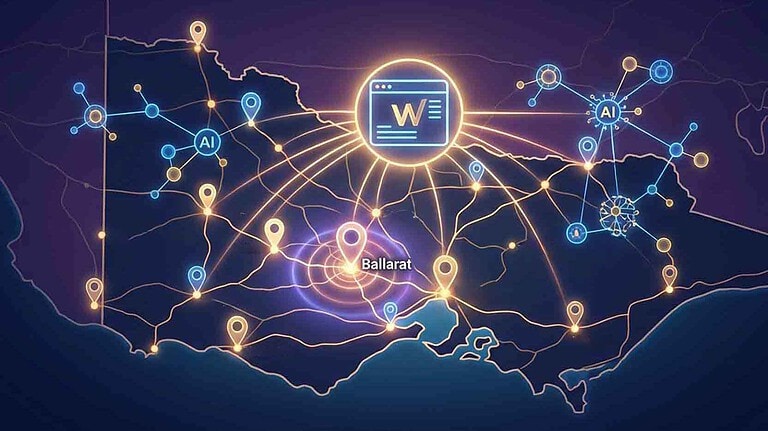
Make.com integration stores your custom webhook URL in SCOS Social Amplification. Clicking Create Social Post on a post sends JSON with title, URL, excerpt, CAR fields, and featured image data to your scenario. Optional auto-trigger on publish is available but manual control is recommended for scheduled social. See the technical documentation page for the full payload schema.
Discover more expert insights to the latest Web Design and SEO trends, these curated blog posts are designed to broaden your horizons and spark your imagination.
Hit submit and I’ll reach out by email or phone to help you get started. Your details stay private, see the Privacy Policy.
Uh oh, the form hit a snag.
Looks like something didn’t load right.
Give it another go, or flick us a message at support@brighterwebsites.com.au if it keeps failing. We’ll fix it faster than you can say “cache clear.”
You can phone Vanessa too - she doesn't mind a chat 0412401933