
Establishing Local Ballarat SEO from Zero – Massage Business Case Study
No rankings. No traffic. No visibility. Within 10 weeks, this…

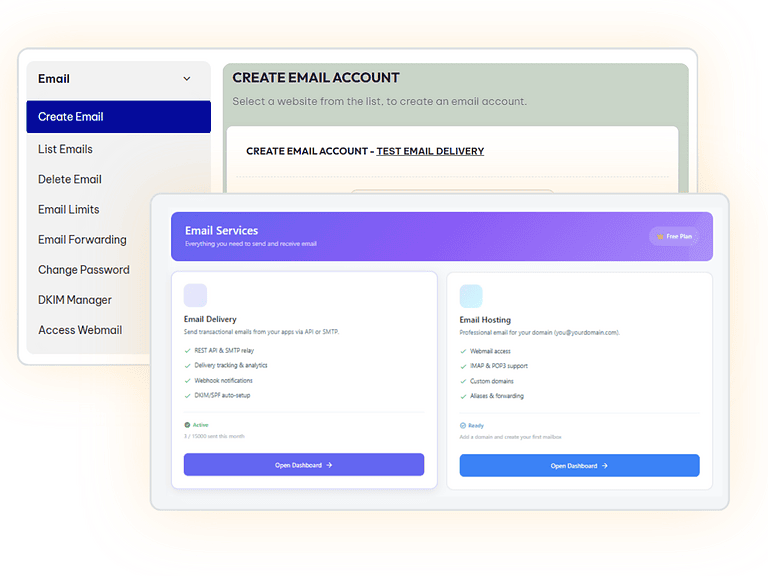
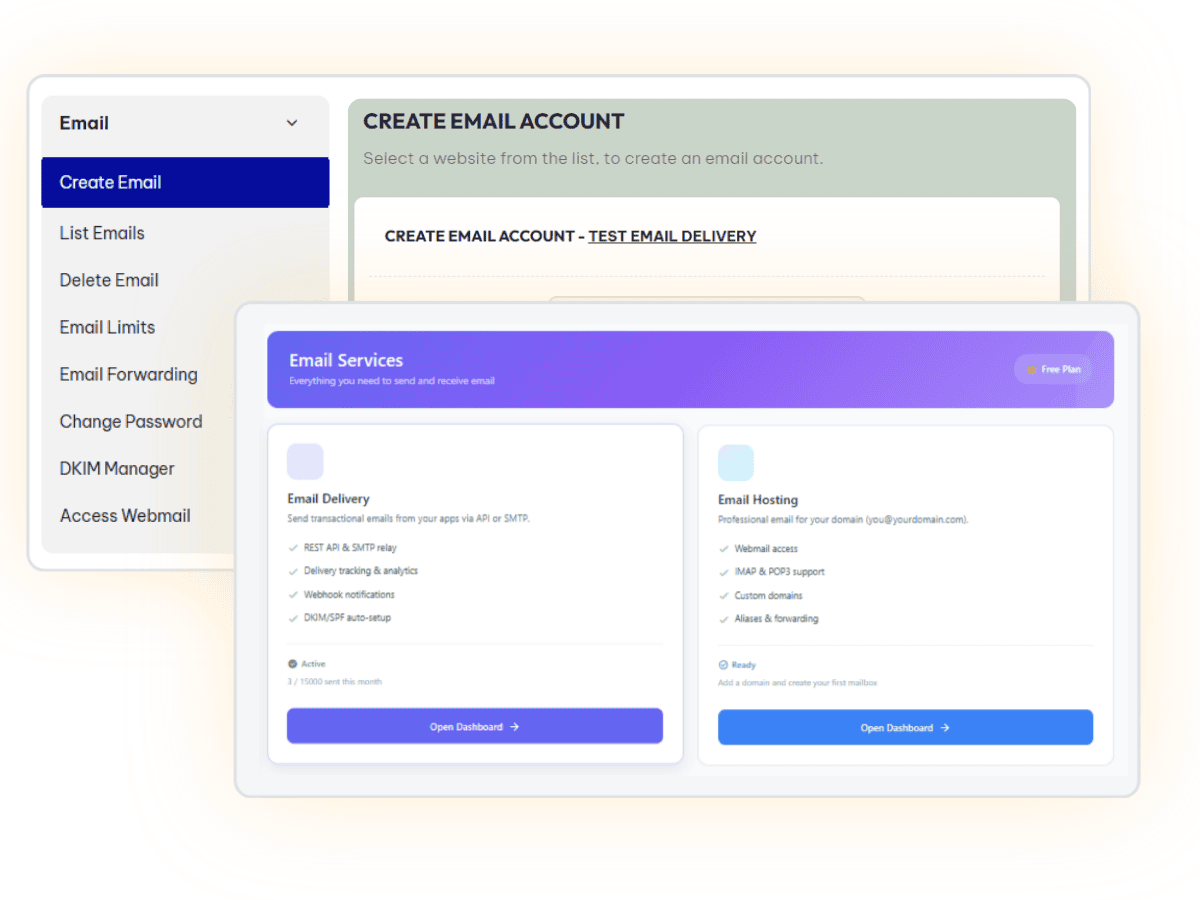
WordPress transactional email typically requires client Google or Microsoft credentials before go-live. By integrating CyberPanel's cloud Email Delivery API directly into the SCOS Site Essentials MU plugin, that dependency is gone. Forms send from the client's domain on day one, logs every delivery, and coexists cleanly with any existing email provider — no SMTP credentials, no waiting.
Every WordPress site needs to send transactional email. Like contact form notifications, enquiry confirmations, WooCommerce order emails. The standard approach is to authenticate through the client’s Google Workspace or Microsoft 365 account via SMTP.
That creates a dependency that consistently delays go-live: the site is ready, forms are tested, but transactional email is broken until the client provides credentials, sets up an app password, or an IT contact gets involved. For small business clients, this can add days or weeks to a launch.
The temporary fix: I used to route through a Brighter Websites Google account. It works but introduces its own problems: emails arrive from the wrong domain, and the workaround has to be manually unwound later.
The goal was to eliminate that dependency entirely, with a solution that works on day one, costs nothing for most clients, and coexists cleanly with Google Workspace or Microsoft 365 on the same domain.
Cloudflare Email Service was the first candidate. It launched in public beta in early 2026 and looked promising. On investigation, it’s a Cloudflare Workers-native service designed for developer applications, not a WordPress-compatible SMTP relay. It also conflicts with Google Workspace MX records at the DNS level. Ruled out.
CyberPanel’s built-in VPS mail (Postfix) was considered and rejected quickly. Running a mail server on shared VPS infrastructure means IP reputation is pooled across all client sites. Too much uncesseary complexity, one misconfigured plugin can get the IP blocklisted and break email delivery for every site on the server.
CyberPanel Email Delivery. This is also a new 2026 service, a separate cloud platform at platform.cyberpersons.com It turned out to be the right tool. It’s distinct from the VPS mail stack: a dedicated transactional email service with its own sending infrastructure, REST API, Cloudflare DNS integration, DKIM signing, and delivery analytics. Critically, it sends outbound only. It doesn’t touch inbound MX records and coexists cleanly alongside Google Workspace on the same domain.
CyberPanel Email Delivery authenticates via Bearer token, not a traditional username and password. Standard WordPress SMTP plugins, including Fluent SMTP expect username/password credentials and have no mechanism for Bearer token authentication. SMTP connection failed regardless of how the token was formatted.
The solution was to bypass SMTP entirely and integrate directly with the REST API.
A custom module within the SCOS Site Essentials MU plugin (the core WordPress infrastructure framework deployed across all Brighter Websites client sites) that intercepts WordPress’s wp_mail() function and routes outgoing email through the CyberPanel Email Delivery REST API instead.
The integration handles HTML email (required for WooCommerce), reply-to header passthrough (so contact form replies land in the client’s real inbox), multiple recipients, and logs every send attempt. Including the API-returned message ID on success to a dedicated database table with automatic 30-day pruning.
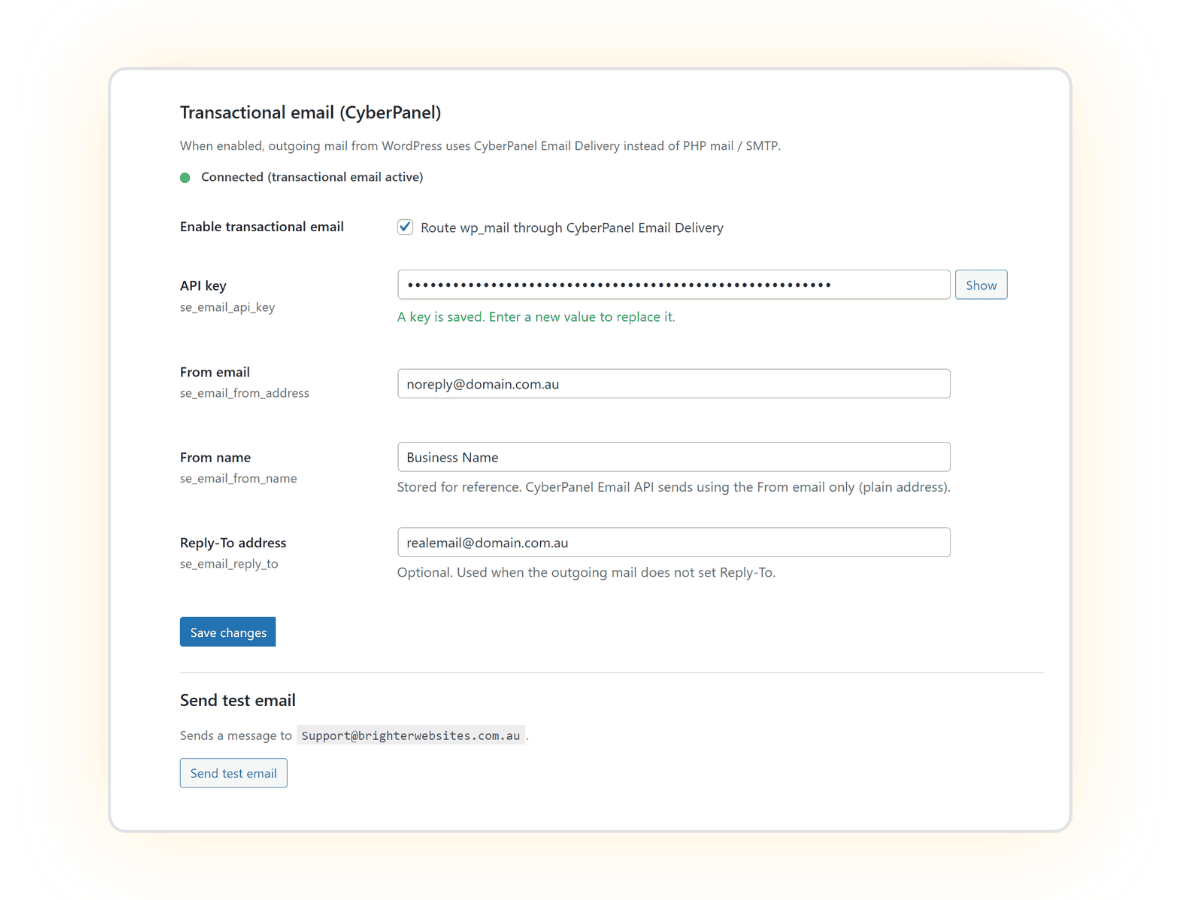
Configuration is managed through a new Email tab in the Site Essentials admin settings panel: API key, from address, reply-to, and a test send function that confirms delivery and returns the message ID inline.
During build, Cursor (Claude) identified and resolved three API-specific issues: the endpoint rejects RFC-style Name <email> formatting in the from field and requires a bare email address; successful responses return message_id nested inside a data object rather than at the top level; and the API can return success: false inside a HTTP 200 response, requiring explicit JSON-level error handling rather than HTTP status checking alone.
Deployed live on the same day the integration was specced. Test email delivered in under two seconds. Message ID logged. SPF record updated to include both Google Workspace and CyberPanel sending infrastructure, one merged record, no conflict.
What this means in practice:
noreply@clientdomain.com.au, reply-to routes to the client’s real inbox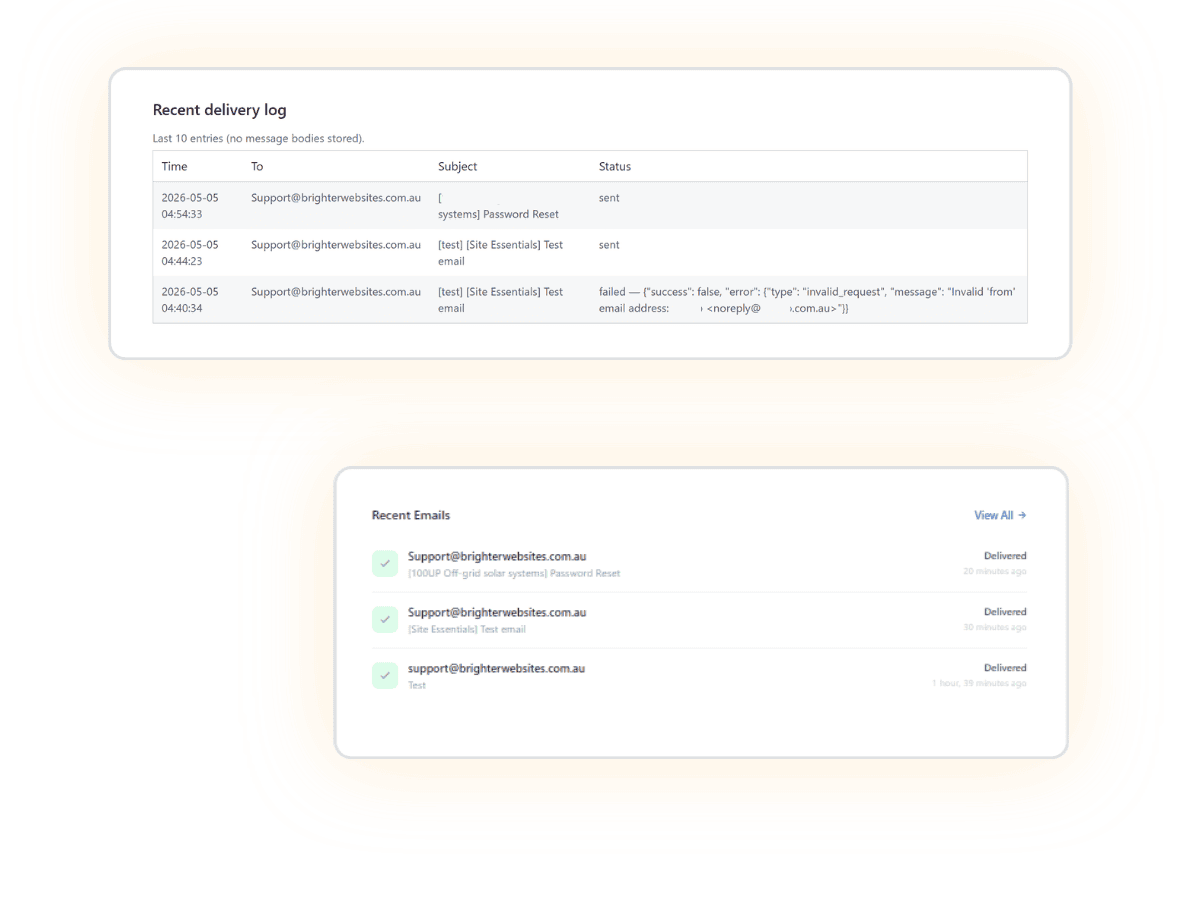
CyberPanel Email Delivery API · SCOS Site Essentials MU Plugin · WordPress pre_wp_mail hook · Cloudflare DNS auto-configuration · Cursor (Claude) for build and spec
Brighter Websites builds and maintains web infrastructure for local service businesses across regional Victoria. The SCOS (Strategic Content Operating System) framework is deployed as a core dependency across all client sites, enabling agency-grade technical capability delivered as a one-person operation.
Discover how we’ve helped businesses transform their websites and SEO results. These case studies highlight real challenges, smart solutions, and measurable outcomes — designed to inspire your next move.





Hit submit and I’ll reach out by email or phone to help you get started. Your details stay private, see the Privacy Policy.