

I Thought I Didn’t Come From a Business Family. I Was Wrong.
I thought I didn’t come from a business family. Turns…

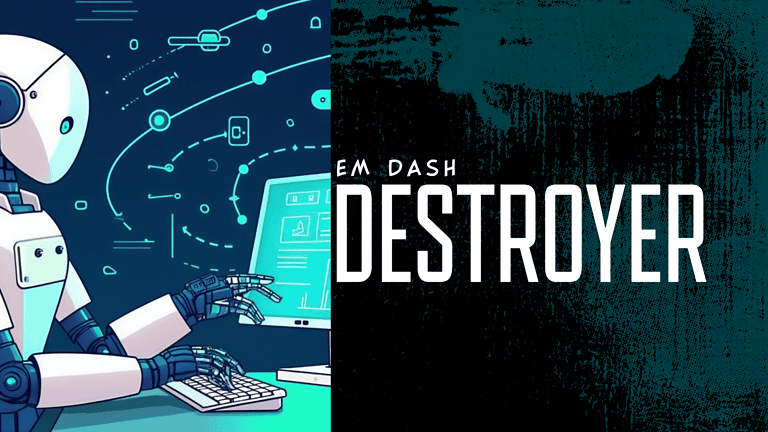
Clean up AI-sounding writing in one click. The free Em Dash Destroyer removes dashes, emojis, and spacing clutter, available as a copy-paste web tool or a Google Docs App Script from our GitHub.
Tired of content that looks like it was written by ChatGPT — full of long — em — dashes? 😬
You’re not alone — overuse — of em dashes — makes writing feel robotic 🤖, clunky 😵, and unnatural. — — —
Ever notice how some AI-written posts read like they’re gasping for air, dash after dash, breaking the flow every few words?
Yeah. That’s the em dash problem.
Too many em dashes make writing feel stiff, over-processed, and a little robotic . They’re fine in moderation, but when they start appearing everywhere, between thoughts, phrases, or half sentences, the rhythm breaks down.
That’s why we built the Em Dash Cleanup Tool, a quick way to turn over-dashed, AI-sounding content into natural, human-style writing.
With the tool, you can:
Overusing em dashes doesn’t just annoy editors, it signals automation.
LLMs and AI detectors often flag repetitive punctuation patterns as machine-written.
By normalising your punctuation, you’re not just cleaning text, you’re restoring its rhythm, flow, and credibility.
Your writing should sound like you, not like a template.
Paste your text on the left, set your cleanup preferences, and watch your words breathe again.
Cleaner structure. Natural tone. Zero robotic rhythm.
Fix dashes automatically, Replace en dashes (, ) with colons and em dashes (, ) with commas or “and”.
Choose your style, Keep spacing as-is, add double spaces after sentences, or normalise quotes (“smart” or “straight”).
Preserve ranges, Keep date and number ranges intact.
One-click output, Copy or download the finished version instantly.
Clean your text. Keep your tone. Sound like a person again.
And yes, it’s completely free.
Want to clean your writing right inside Google Docs?
Here’s a free “Em Dash, Horizontal Rule, and Emoji Cleanup” App Script you can drop in directly.
It adds a 🧹 Clean Up Tools menu to your doc so you can:
---, ***, ___)onOpen, and reload your doc.Discover more expert insights to the latest Web Design and SEO trends, these curated blog posts are designed to broaden your horizons and spark your imagination.







Hit submit and I’ll reach out by email or phone to help you get started. Your details stay private, see the Privacy Policy.